
Save on your phone.
Build anywhere.
Get Stashwise on iPhone and Android. Capture anything you find, let AI turn it into a wiki you own, then pick it up on the web or right inside Claude.


Free to start · No card required · Syncs across web, iOS & Android
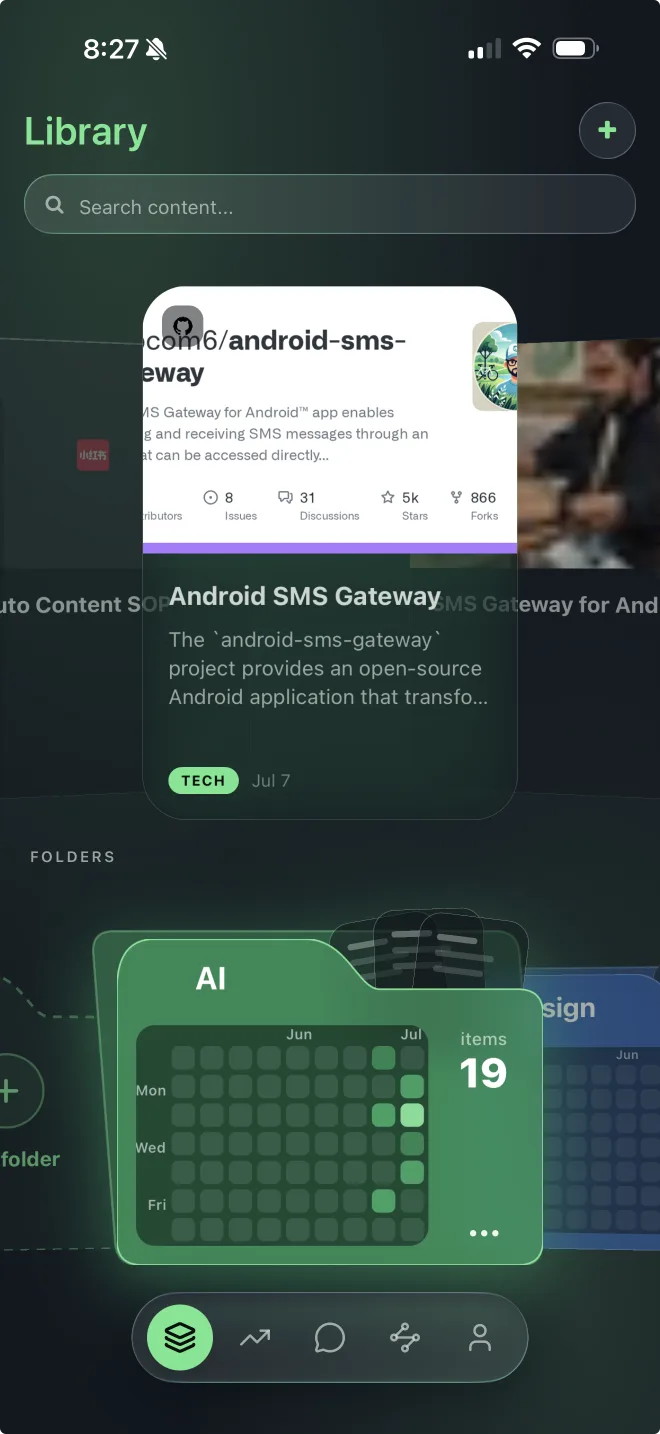
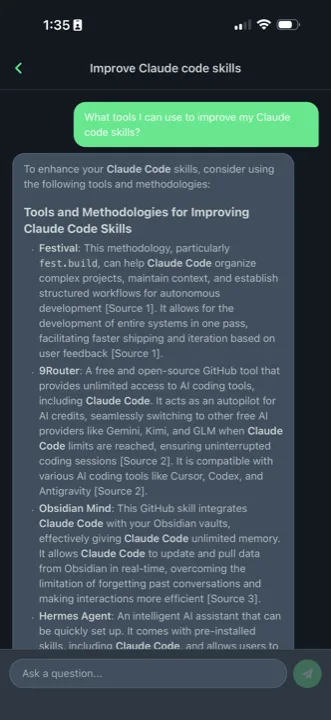
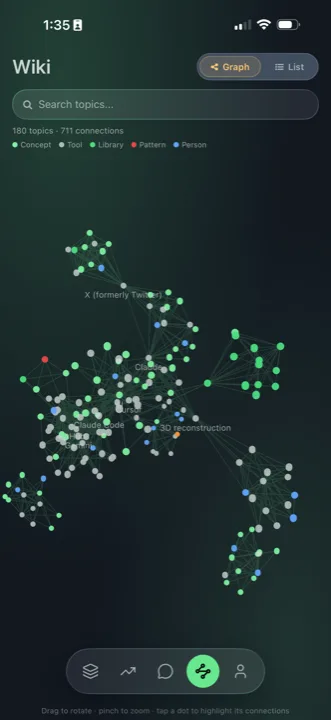
From a save on your phone to a plan your agent can run.
Save it on your phone
Share a video, thread, article, or post straight into Stashwise from the iOS or Android share sheet. Capture the moment you find it. No copy and paste, no tabs to lose.
It organizes itself
Every save is summarized, tagged, and woven into a personal wiki and knowledge graph you actually own. Ask it anything and the AI answers from your collection, not the generic internet.
Use it wherever you work
Open your collection at stashwise.co or connect Claude, Codex, Cursor, and other MCP clients so your AI works from exactly what you saved.
Save from anywhere
The share extension drops any link, video, or post into your library in a tap, on both iPhone and Android.
A second brain you own
Saves compile into an Obsidian ready wiki and knowledge graph you can search, link, and export.
Saved context for your AI
Connect Stashwise over MCP so supported AI tools can retrieve your saved library with the original sources attached.